A template is enough if your product range is easy to follow and a quick launch matters most right now. Custom design pays off if setting your brand apart matters on the site too, or if your purchase process differs from the usual, for example with configurable products or subscriptions.
1. The two side by side
| Aspect | Template | Custom design |
|---|---|---|
| Launch | Quick, the theme is made of ready elements. | Needs design and development, in return every element fits your brand. |
| Look | Many similar webshops use the same theme. | Your brand’s own interface, which nobody confuses with anyone else. |
| Purchase process | The platform’s standard process, with light customisation. | A process tailored to your products, for example with configurable bundles. |
| Room to grow | Can be extended with apps, but every new element stays within the theme. | New features can be designed into the existing system. |
| Risk | A low entry cost, with the limits showing up later. | A bigger initial investment, so it is worth building on an audit or research. |
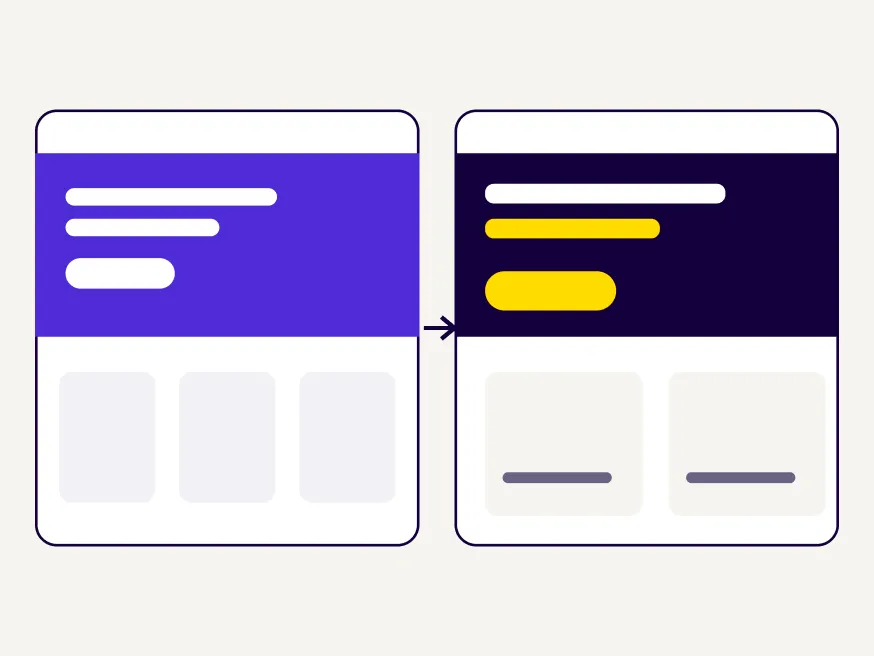
There is a middle route too. You can design custom elements on top of a good template, for example the product page and the basket, and for many webshops this gives the best balance between effort and impact.
2. Which one to choose
A template is enough if
- you are just starting and want to test your products first
- you have few product categories with simple filtering
- buying follows the usual basket and checkout route
- your photos and copy carry the character of your brand well
Custom design pays off if
- your customers get stuck in many places, and the template does not allow fixes
- you sell configurable products or subscriptions
- the premium positioning of your brand has to show on the site too
- your traffic is high, and every small improvement affects many customers
If you are unsure, start with the middle route. A good template with a few custom-designed key pages launches quickly, and the data from the first months shows where further development is worth it.
3. What to check before choosing a template
- How the product page looks on mobile, and whether the main button is visible without scrolling.
- Where the shipping fee appears, because if it only shows at checkout, many people abandon their basket there.
- How far the filtering can be customised, if you have many product categories.
- How product images are displayed when their proportions differ.
A template’s demo always shows it at its best, with perfect product photos and short names. It is worth trying it with your own products, because long product names and images of different sizes often give a very different picture.
4. Where templates most often fall short
Most templates handle the usual webshop well, with a few dozen products and simple categories. Problems start where your products or your customers differ from this.
- With many product categories, where customers also need to filter by size, colour or material.
- With product variants, where one product has many combinations and each has its own image.
- With bundle offers, where customers put together what they want themselves.
- With products that take longer to decide on, where the product page has to convey far more information than a short description.
If any of these applies to you, before choosing a template it is worth checking in a UX/UI consulting session how far the chosen theme can be customised, and where a custom design will be needed.
5. If your webshop is already running
If you already have a webshop and you sense that customers get lost in the basket or at checkout, a UX audit shows you at which points. It also reveals whether the situation can be improved within the template, or whether a custom interface would bring the bigger change.
Often a few targeted fixes make a big difference, for example showing the shipping fee in the basket or allowing guest checkout. These can usually be solved within the template.
6. Frequently asked questions
Which platform do you recommend?
The choice depends on your products and your existing systems. Shopify and WooCommerce are common, as are Shoprenter and UNAS among Hungarian webshops, and we can design for all of them.
Can I have a custom design on an existing platform?
Yes. On most platforms the theme can be customised, so your own interface can run on the familiar system, while product management and payment stay unchanged.
From how many products is custom design worth considering?
The number of products matters less than the way people buy. Even with a few products a custom interface pays off if setting your brand apart is at stake, and with many products a template can be enough if buying follows the usual route.
What is the most important page in a webshop?
The product page and the checkout. Most customers decide on these two, which is why we start with them in an audit too.
Do you take on development as well?
Yes, if you ask, development is optional. We can also hand the designs to a developer who knows the platform.