1. What a mockup is good for
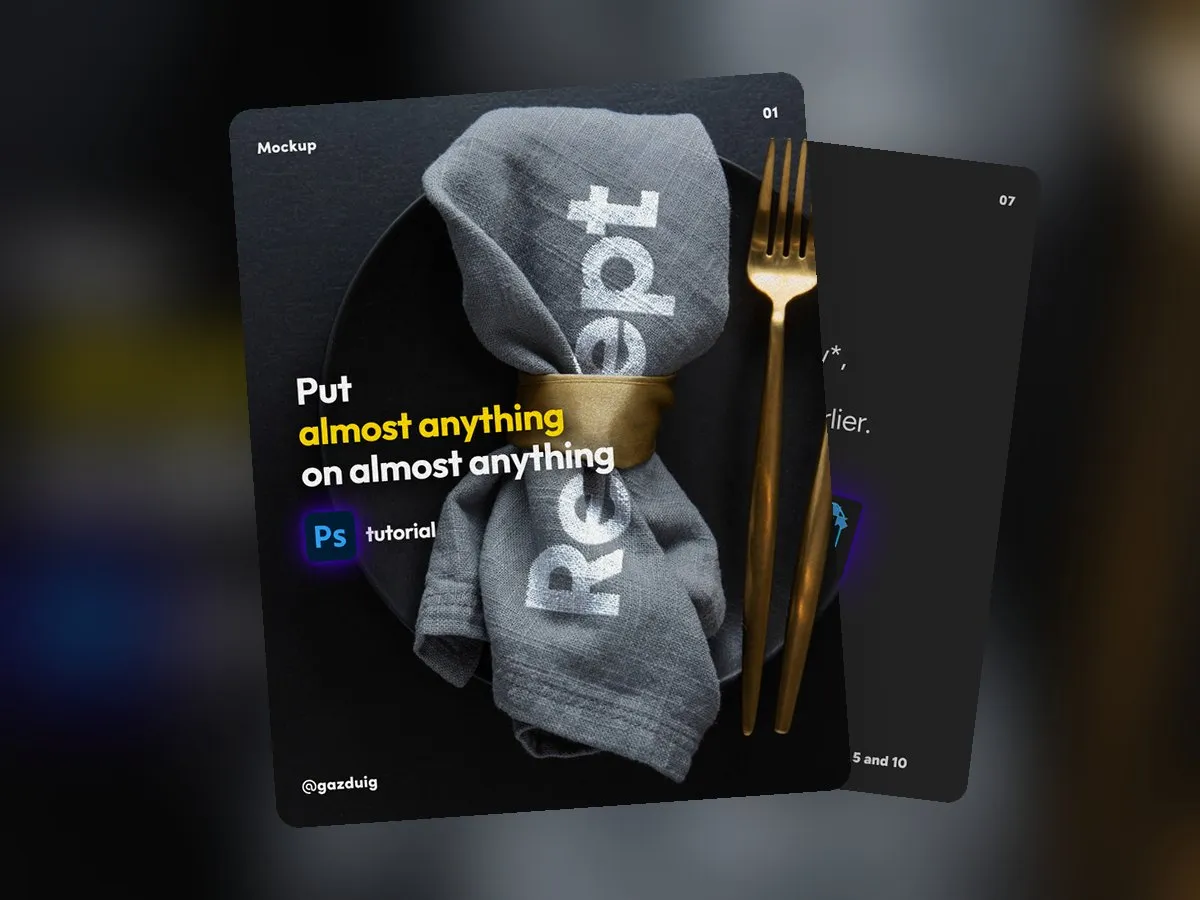
A packaging design or a logo looks very different in its real setting than on a white canvas. A mockup helps you show decision makers what the finished product will look like, and it gives a more believable picture for a presentation or a post than a flat graphic.
There are plenty of ready-made mockup templates, but if you want to show the design on a specific photo of your own product or venue, this method lets you fit a graphic onto almost any surface, from fabric to wood.
2. The steps in order
- Find a photo that will be the background and drag it into Photoshop. Choose an image where the creases or texture of the surface are clearly visible, because the filter works from them.
- Before you do anything else, save it as a psd file. This file will become the displacement map later, so do not change the image at this stage.
- Place the shape you want to wrap onto the photo, such as the logo or the pattern, and set its position and size.
- Open Filter > Distort > Displace.
- Set the two values, which are in pixels and are best kept between 5 and 10 on average. After clicking OK, choose the psd file you saved earlier.
- Change the layer blend mode from Normal to Multiply, so the shadows and highlights of the photo show through the graphic.
- Double-click the layer name and add a subtle bevel under Bevel & Emboss, so the graphic follows the depth of the material too.
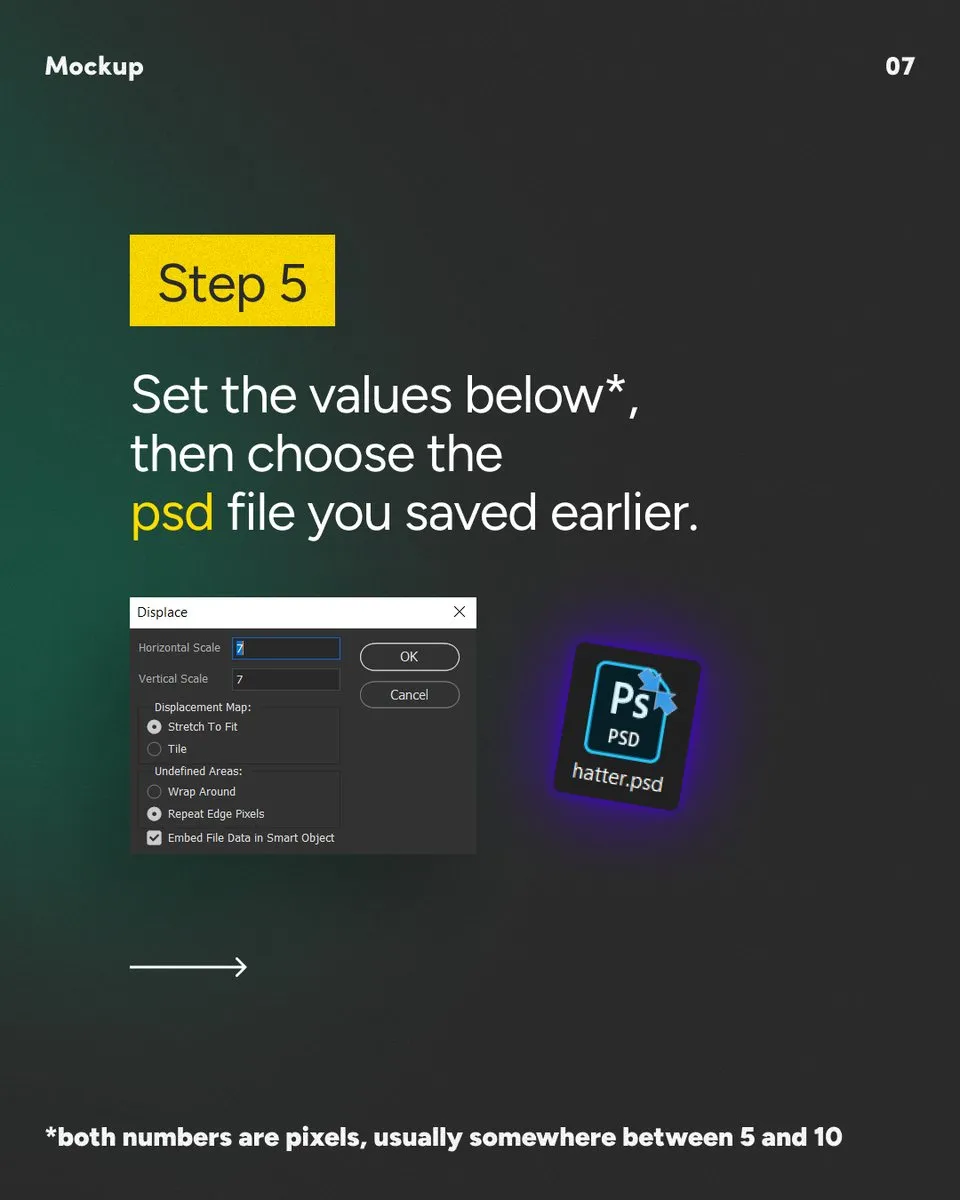
3. The values make the effect
A lot depends on the photo you choose. Soft light from the side draws out the relief of the surface, and the filter works from this play of light and shadow, while on an evenly lit, flat image the graphic has little to follow.
The exact numbers always depend on the background and the element you place on it. On heavily crumpled material you need a higher value for the graphic to follow the folds, while on smooth paper the distortion shows even at a low value. Try it a few times and always check the result at 100 percent zoom, because at a small size it is easy to miss distortion that is too strong.
If you convert the graphic to a Smart Object first, the Displace filter stays editable later and you can swap its contents, so you can make several versions from the same photo.
4. Where a mockup ends
A mockup is meant for presenting, and a print proof is still needed alongside it. The colours you see on screen and the way the real material behaves can differ from what comes back from the printer, so for packaging or textile printing it is always worth asking for a proof before the final decision.
The original post on Instagram