1. Where the clutter comes from
Often the elements placed side by side have different proportions. Some are wide, some are tall and some are closer to a square. This is especially common when client or partner logos have to appear on a website or in a proposal or company brochure.
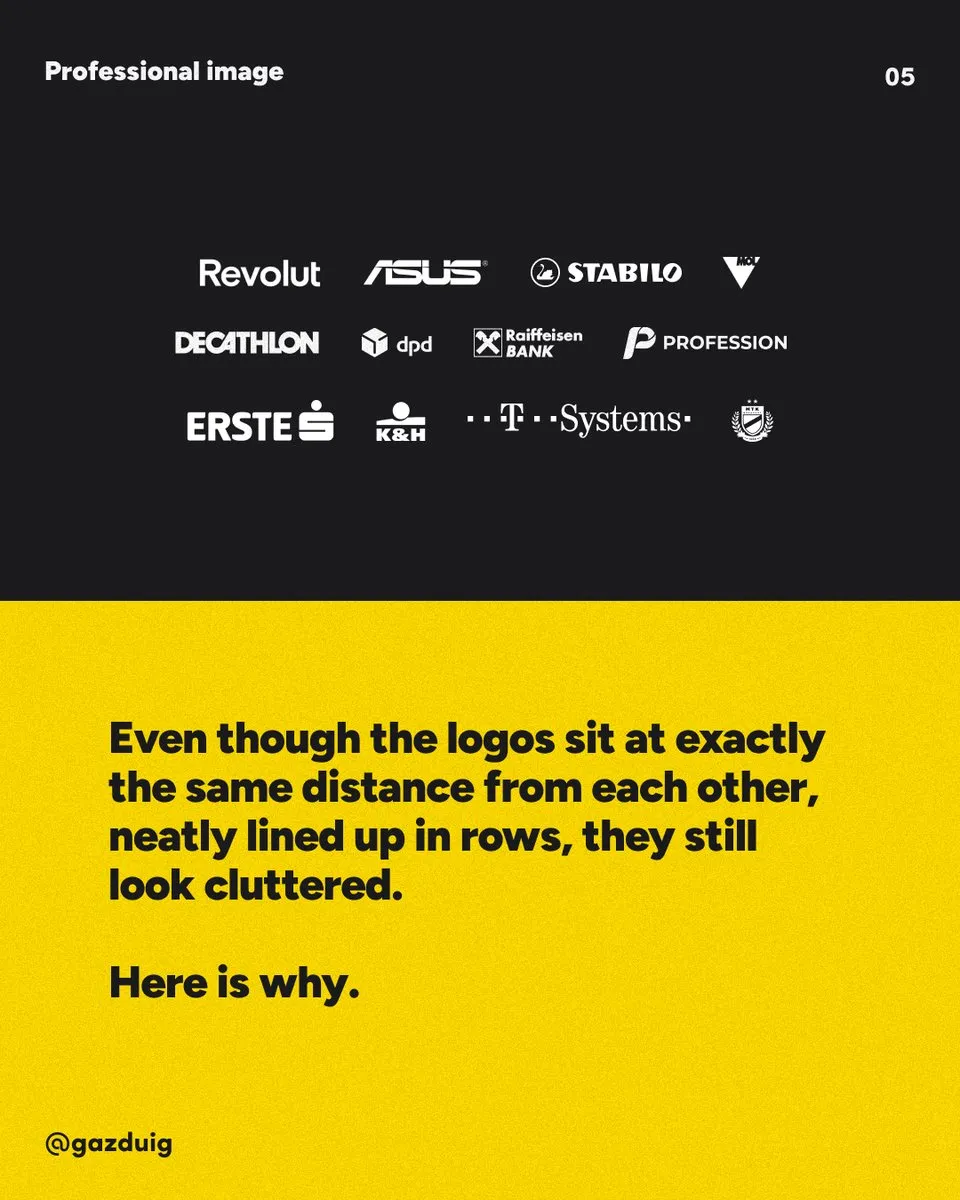
Even if the logos sit at exactly the same distance from each other, neatly arranged in rows, the row still looks cluttered. There are two reasons for this. The logos have different dimensions, and there is no hierarchy between them, so each one speaks at the same volume and competes for attention with the text around them.
2. A grid behind the logos
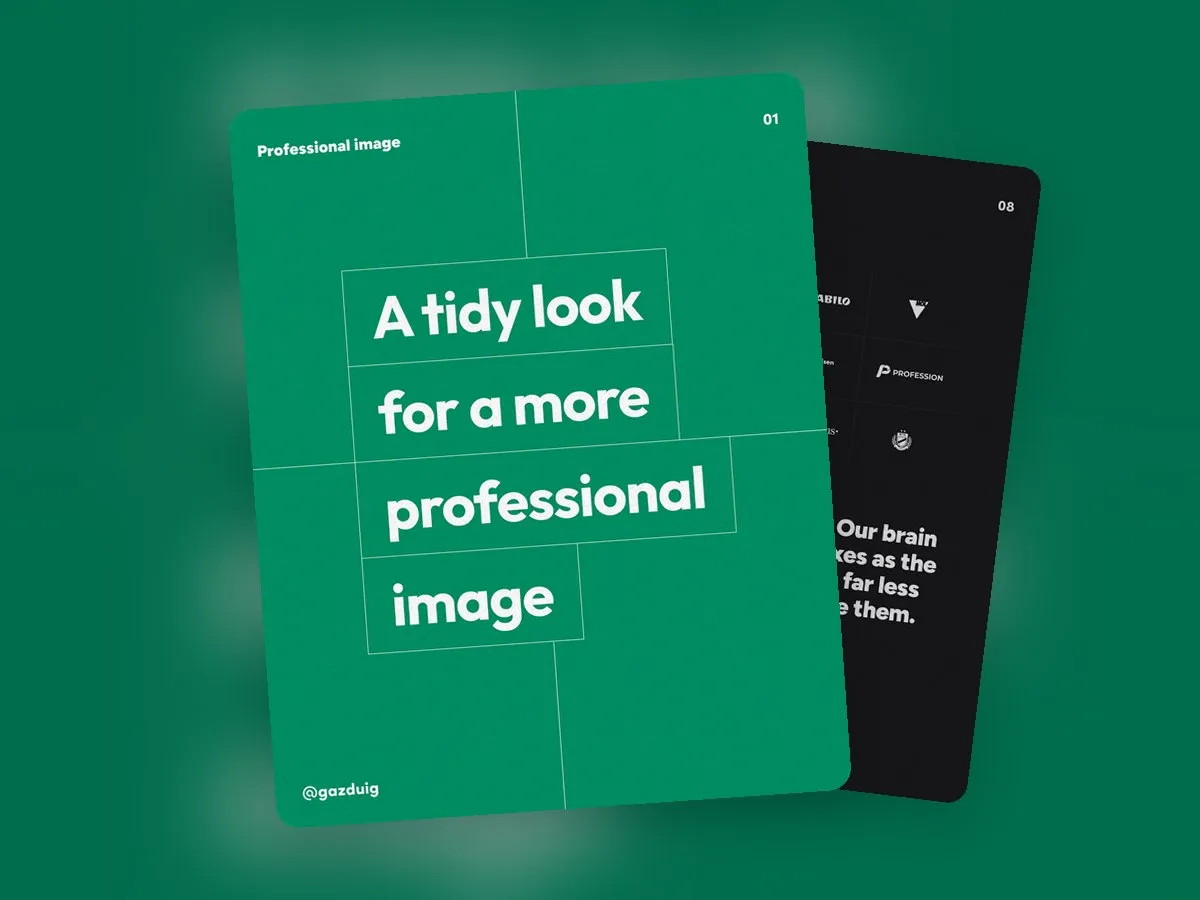
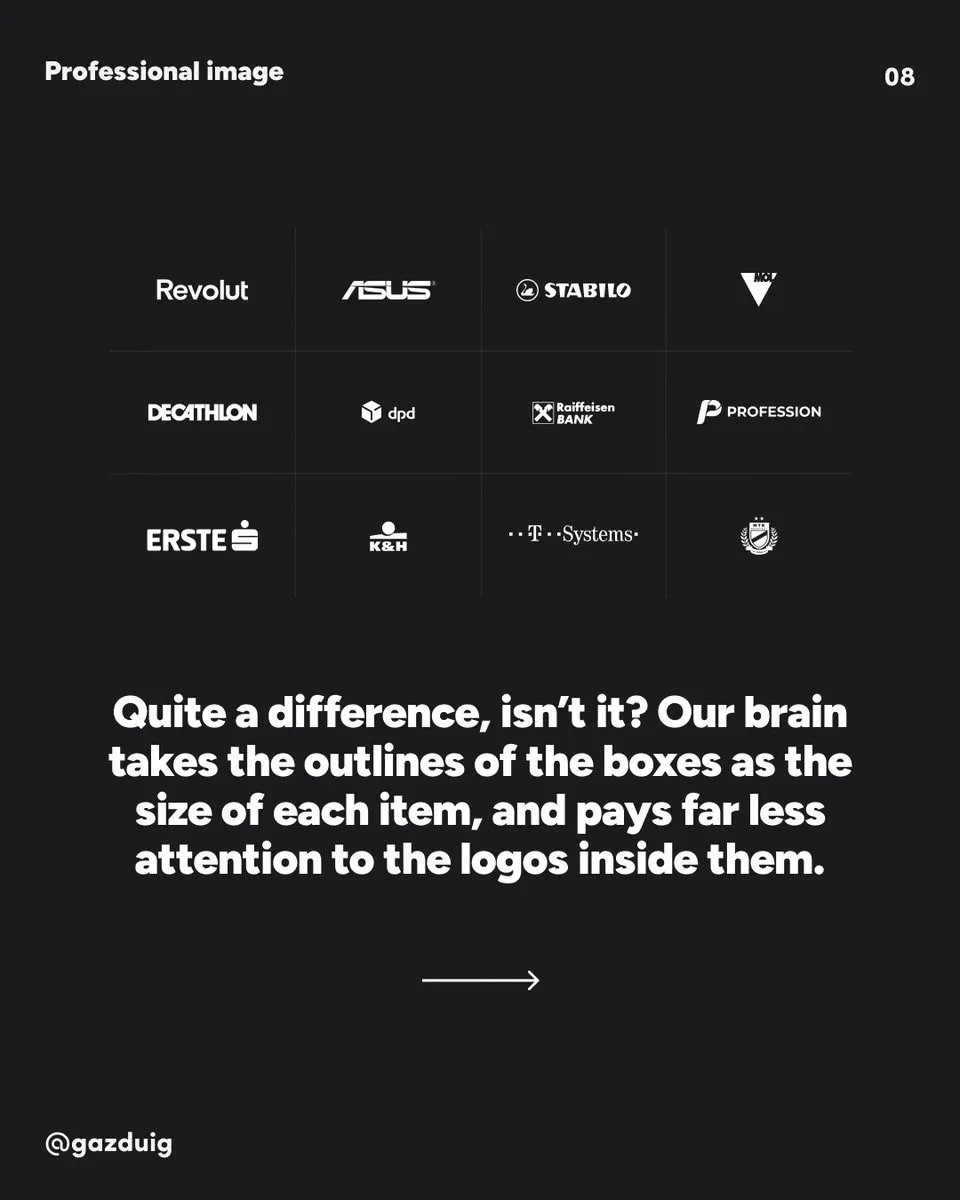
The problem of dimensions can be solved with a grid. Every logo goes into a rectangle of the same height and width, and these rectangles line up next to and below each other in a regular grid. You centre each logo within its rectangle and size it so that it looks optically about as big as its neighbours.
It may feel odd at first, yet the picture becomes much tidier. This is because our brain takes the outlines of the rectangles as the basis for the dimensions and only reads the different logo shapes within the grid. The rectangles can be visible cards with a thin border or a faint background, or they can stay invisible, and the order is still felt.
3. One colour for hierarchy
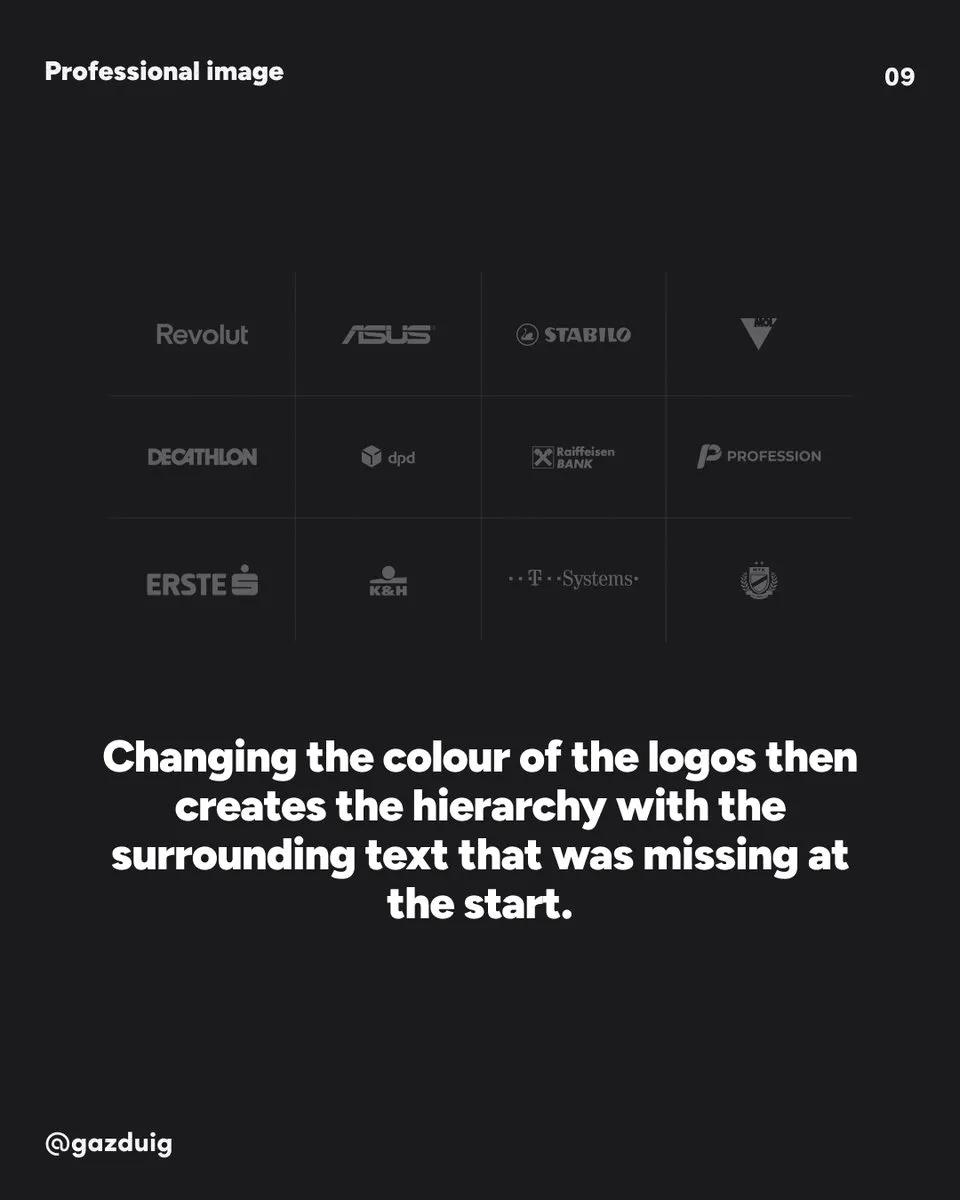
The second step is unifying the colours. If every logo gets the same restrained colour, for example a grey lighter than your text, the hierarchy that was missing at the start appears. The logo row steps into the background, and the headlines and buttons get the attention back.
Make sure every logo stays legible in a single colour. Most companies have a one-colour or reversed logo version, and it is worth asking for it, because simply recolouring a colour logo sometimes ruins the fine details.
4. Step by step on your own site
- Collect the logos, ideally as vector files in a one-colour version.
- Decide on the size of the rectangles and arrange them in a regular grid.
- Centre the logos in the rectangles and size them to look optically equal.
- Give them one consistent colour that is lighter than your text.
- Check on a phone as well that they stay legible in a smaller grid.
5. Common logo wall mistakes
The grid and the consistent colour solve most of the problems, but when we review websites we keep running into a few mistakes.
- Colour and one-colour logos are mixed in the same row.
- Logos are placed on the page together with their own background boxes in different colours.
- Too many logos are squeezed into one row, so all of them become tiny and hard to read.
- Blurry, pixelated images are used instead of vector versions.
You don’t have to show every partner either. A few well-known logos that your audience recognises say more than an endless row in which the important names get lost.
6. Why it is worth the effort
At first glance a logo wall seems like a detail, yet it reveals a lot. Visitors subconsciously conclude that someone who keeps order on their website keeps order in their work too, so a tidy look builds a more positive image and more trust. References are on the page precisely to build trust, and it would be a shame if the way they look sent the opposite message.
The same idea works anywhere many elements of different shapes sit side by side, from rows of icons to partner lists.
The original post on Instagram