1. Where glass looks good
A glass texture looks best when something is happening behind it, such as colourful shapes or a photo that shows through softly. It adds depth to cards and floating menus, while in front of a single-colour background it stays almost invisible.
2. Fill and stroke
Create a simple shape and give it a white (FFFFFF) Linear gradient fill that fades from 63 percent opacity to 23 percent. Then set the opacity of the whole Fill to 50 percent.
Give the shape a thin stroke as well, also with a gradient, starting from C8C8C7 at 100 percent opacity and fading to 0 percent at D6F4FD, and leave the stroke as a whole at 100 percent. This gives the glass a fine rim where the light catches.
3. The three shadows
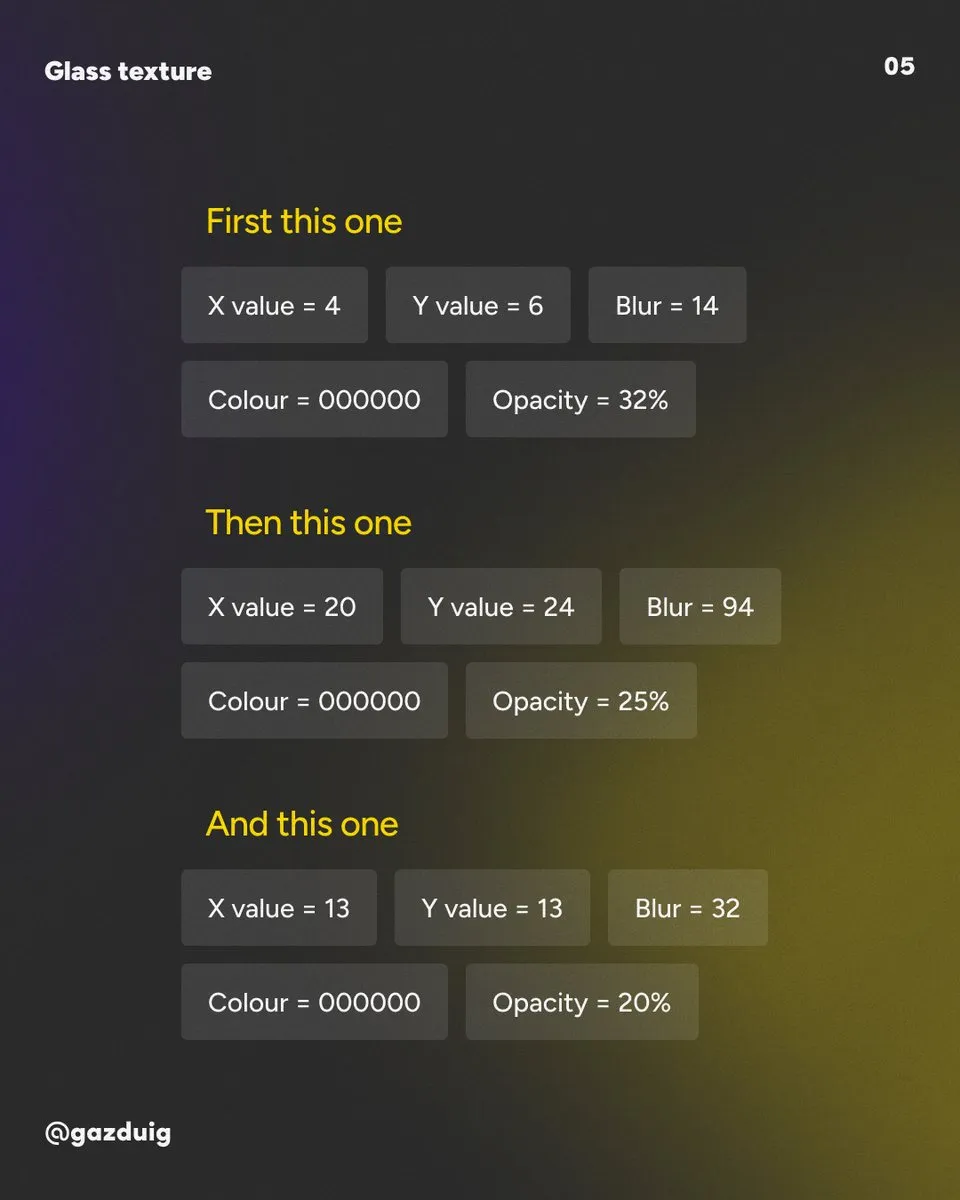
Now come the shadows, and you need three of them stacked on top of each other. The values below belong to a circle 548 pixels across, so scale them proportionally for a smaller or larger shape.
- The first is a close, sharper shadow with X 4, Y 6, Blur 14, in black (000000) at 32 percent opacity.
- The second is a distant, soft shadow with X 20, Y 24, Blur 94, in black at 25 percent opacity.
- The third is the transition between the two, with X 13, Y 13, Blur 32, in black at 20 percent opacity.
4. Blur and grain
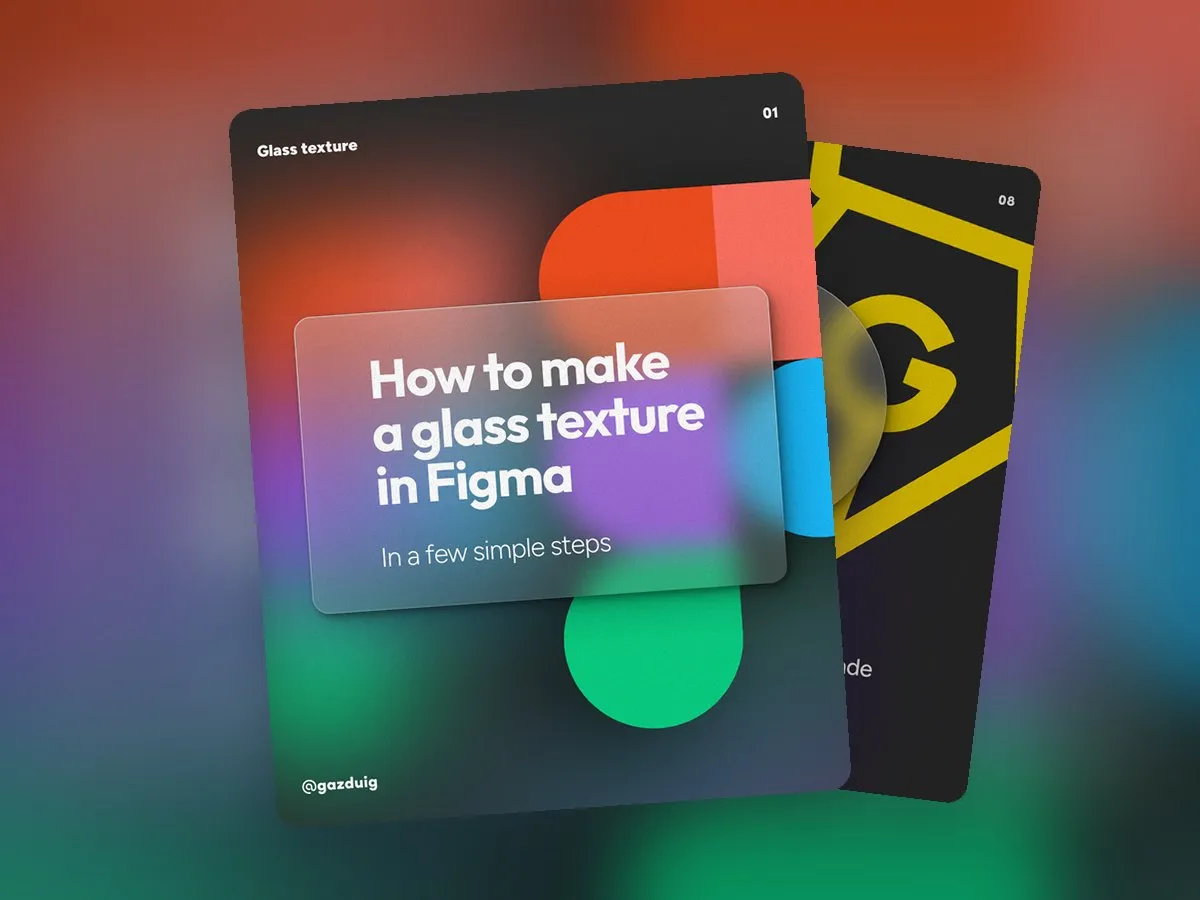
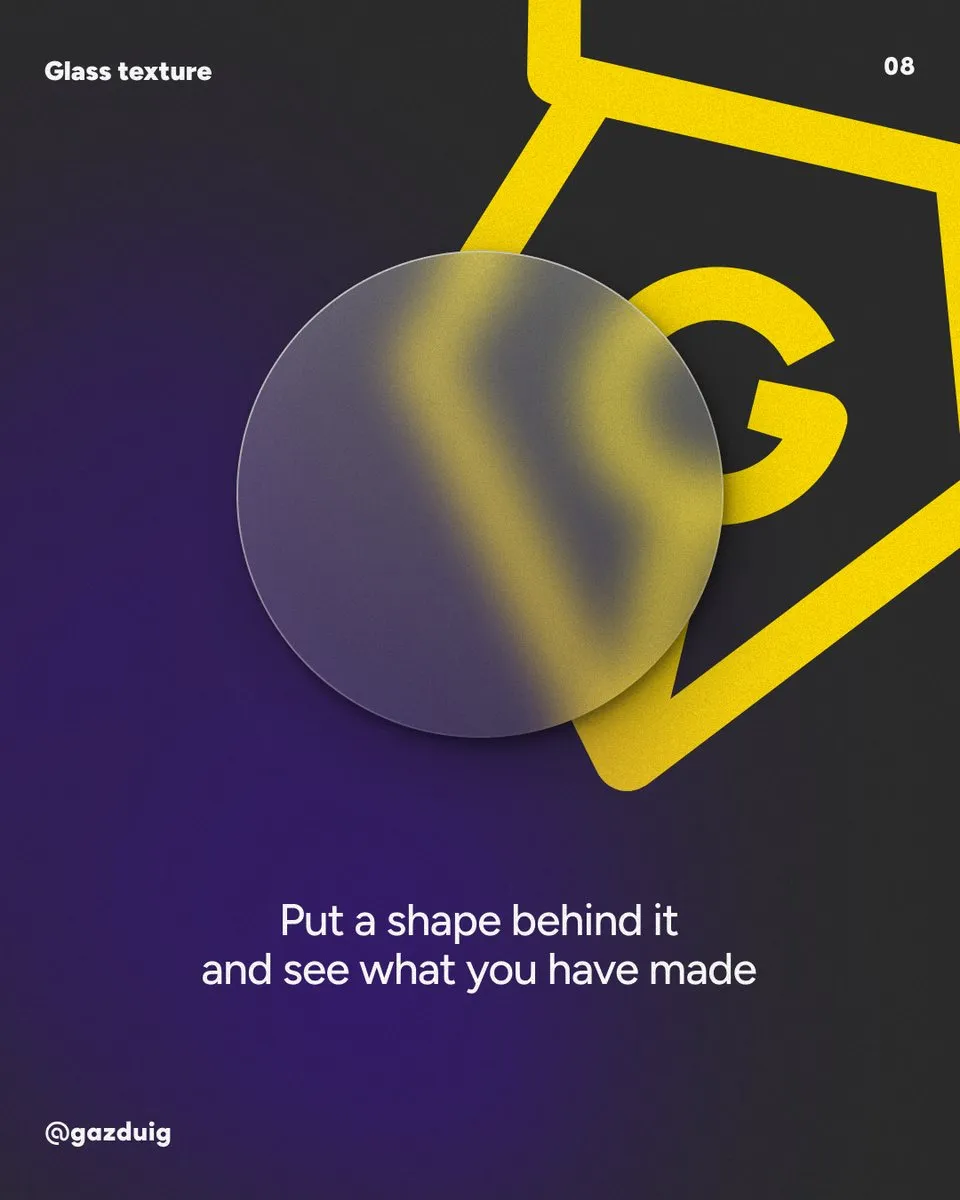
Next the shape needs a Background blur, set to 62 in the original recipe, and the base of the glass is ready. Put a colourful shape behind it and see how it shows through, blurred.
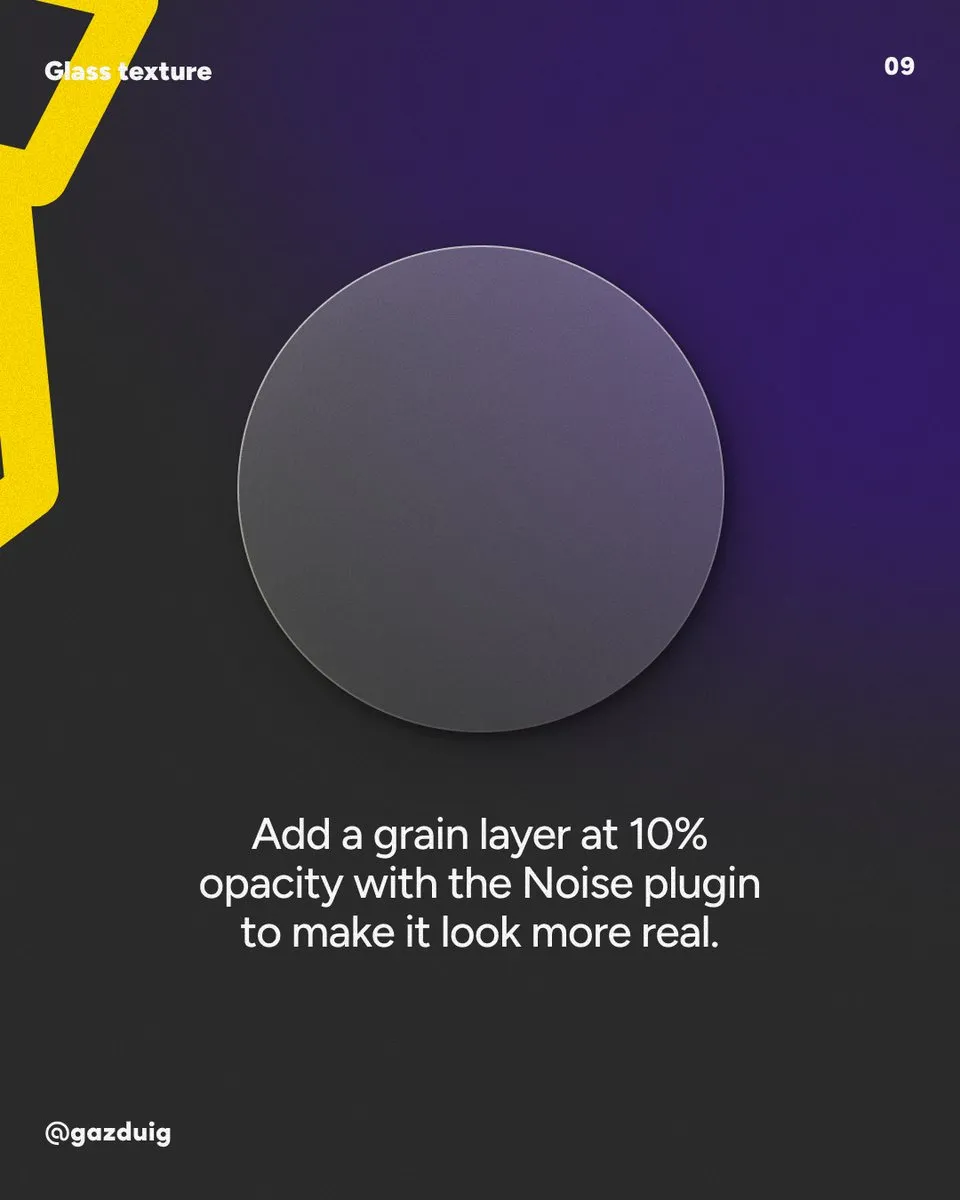
To make it more lifelike, add a grainy layer at 10 percent opacity with the Noise plugin. Real frosted glass is never perfectly smooth, and this fine noise gives it the material feel that makes the eye believe the effect.
5. Legibility on glass
Watch the contrast of any text you put on a glass card. Since the background shows through, the area under the text is lighter in some places and darker in others, and what reads well in one spot can get lost a little further along. A stronger blur or a less transparent fill behind the text helps here.
6. The built-in Glass effect
Newer versions of Figma also have a built-in Glass effect, which you switch on for a shape and adjust with sliders for refraction and blur strength. If you need a result fast, start with that, and if you want precise control over the shadows and the rim, the hand-built recipe above still works well.
The original post on Instagram